|
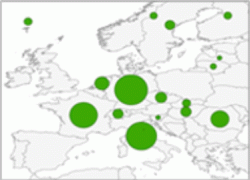
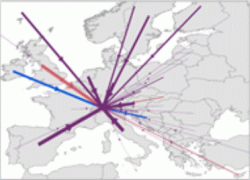
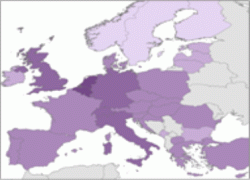
The statistical data can be visualized as points, lines or areas. According to the selected representation feature, the Wizard directs the user to select the appropriate geometry type for his thematic map.
Visit the OCAD Wiki for more information. |
|
The statistical data can be visualized as points, lines or areas. According to the selected representation feature, the Wizard directs the user to select the appropriate geometry type for his thematic map.
Visit the OCAD Wiki for more information. |